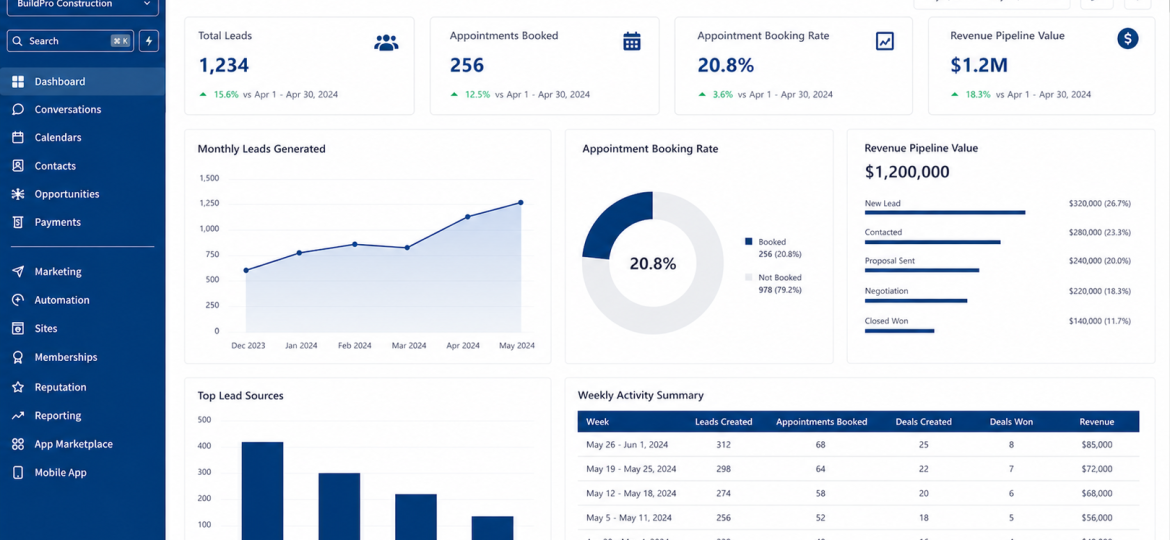
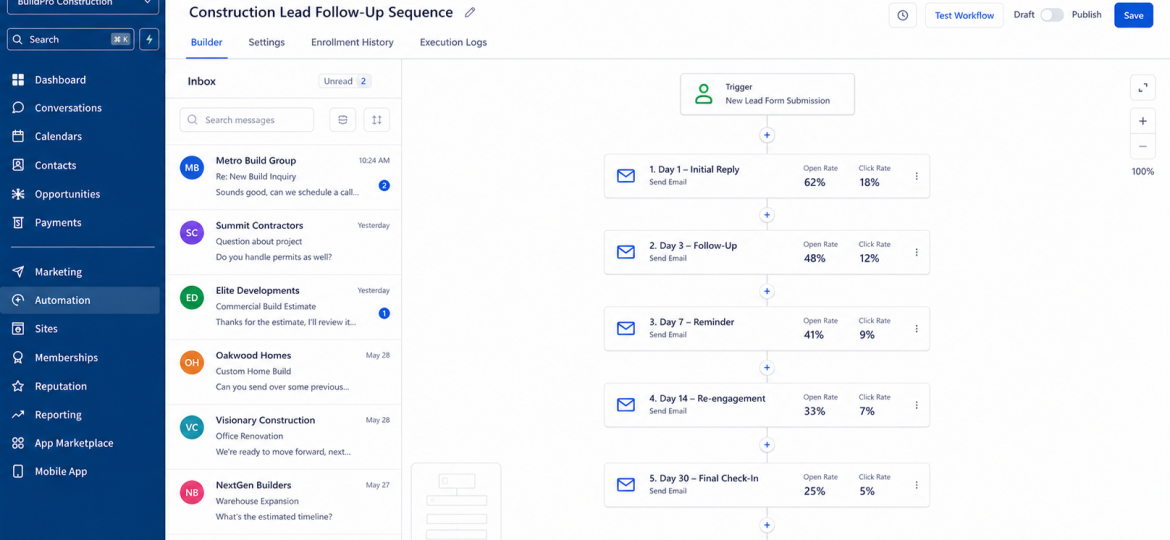
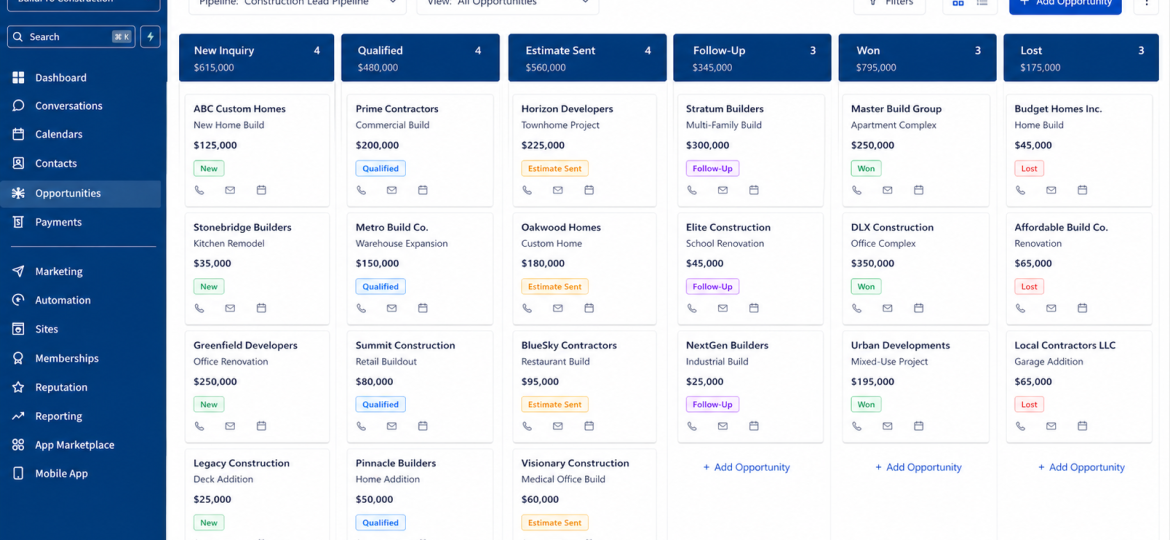
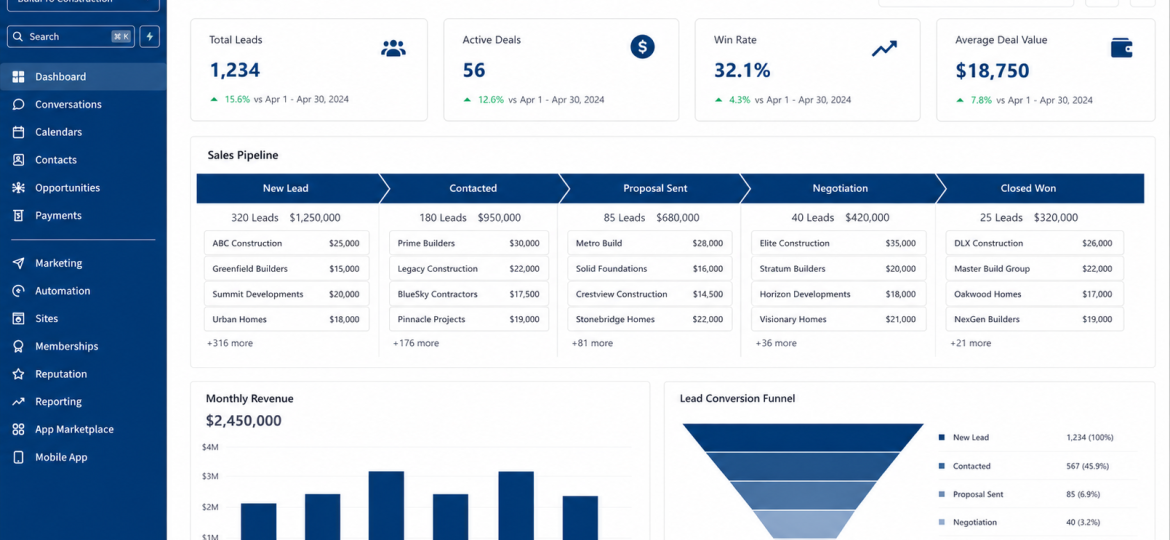
A CRM tracks every lead and client relationship in one place. Instead of sticky notes and spreadsheets, you get a live view of your entire sales pipeline — who contacted you, when, and what happens next.
Why Contractors Need It
1. Missed leads — inquiries that come in while you are on-site never get followed up
2. Slow responses — average contractor takes 6+ hours to reply, prospect already moved on
3. No follow-up — 80% of deals need 5+ touches yet most contractors stop after one or two
Step 1 — Choose Your CRM
GoHighLevel — best all-in-one for contractors
HubSpot — strong free tier, easy to start
Zoho CRM — affordable, highly customizable
Salesforce — enterprise level, large teams
For most contractors GoHighLevel or HubSpot covers everything you need.
Step 2 — Set Up Pipeline Stages
Stage 1 — New Inquiry Stage 2 — Contacted Stage 3 — Site Visit Scheduled Stage 4 — Estimate Sent Stage 5 — Follow-Up Stage 6 — Closed Won Stage 7 — Closed Lost
Set these before entering any contacts.
"Most contractors lose projects not because their price was wrong — but because someone else responded first and followed up consistently."
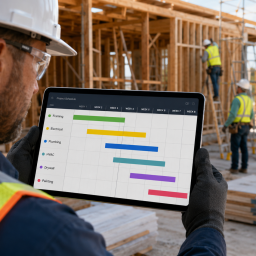
Poor subcontractor coordination causes delays, cost
overruns, and angry clients. Here is the complete
checklist every general contractor needs to keep
subs on schedule and projects on budget.
Stop relying on referrals that dry up every winter.
Here is a proven system for filling your calendar
with qualified construction leads every single month
without cold calling or paid advertising.
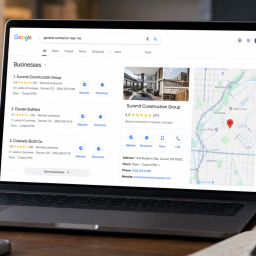
Most contractors waste money on paid leads when Google is sending free high-intent traffic to their competitors. Here is exactly how to rank on Google as a local contractor and generate consistent inbound leads without paying per click.
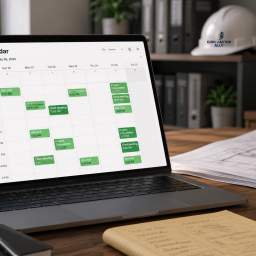
The average contractor takes 6+ hours to respond to
a new email inquiry. By that point the prospect has
already called someone else. Here is how to fix your
email response system and stop losing bids to faster
competitors.
Stop waiting for referrals and start building a
predictable pipeline. Here are 7 proven lead
generation strategies that work specifically
for general contractors and construction businesses
in the US.
Most construction companies are guessing at their
finances. Here is exactly what every contractor
must track monthly to maintain clean books, protect
margins, and never scramble at tax time again.
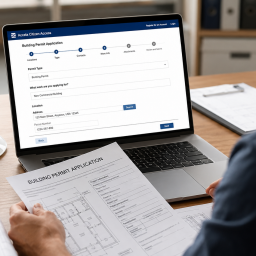
Permit delays cost contractors an average of $3,200
per day. Here is exactly how to research requirements,
prepare complete applications, and get building
permits approved faster in any US jurisdiction.
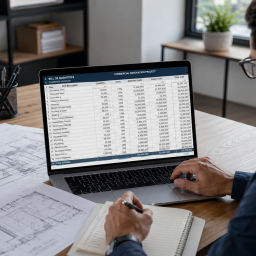
A poorly written Bill of Quantities costs you bids
and margin. Here is exactly how to prepare a BOQ
that is accurate, competitive, and formatted to win
construction contracts.